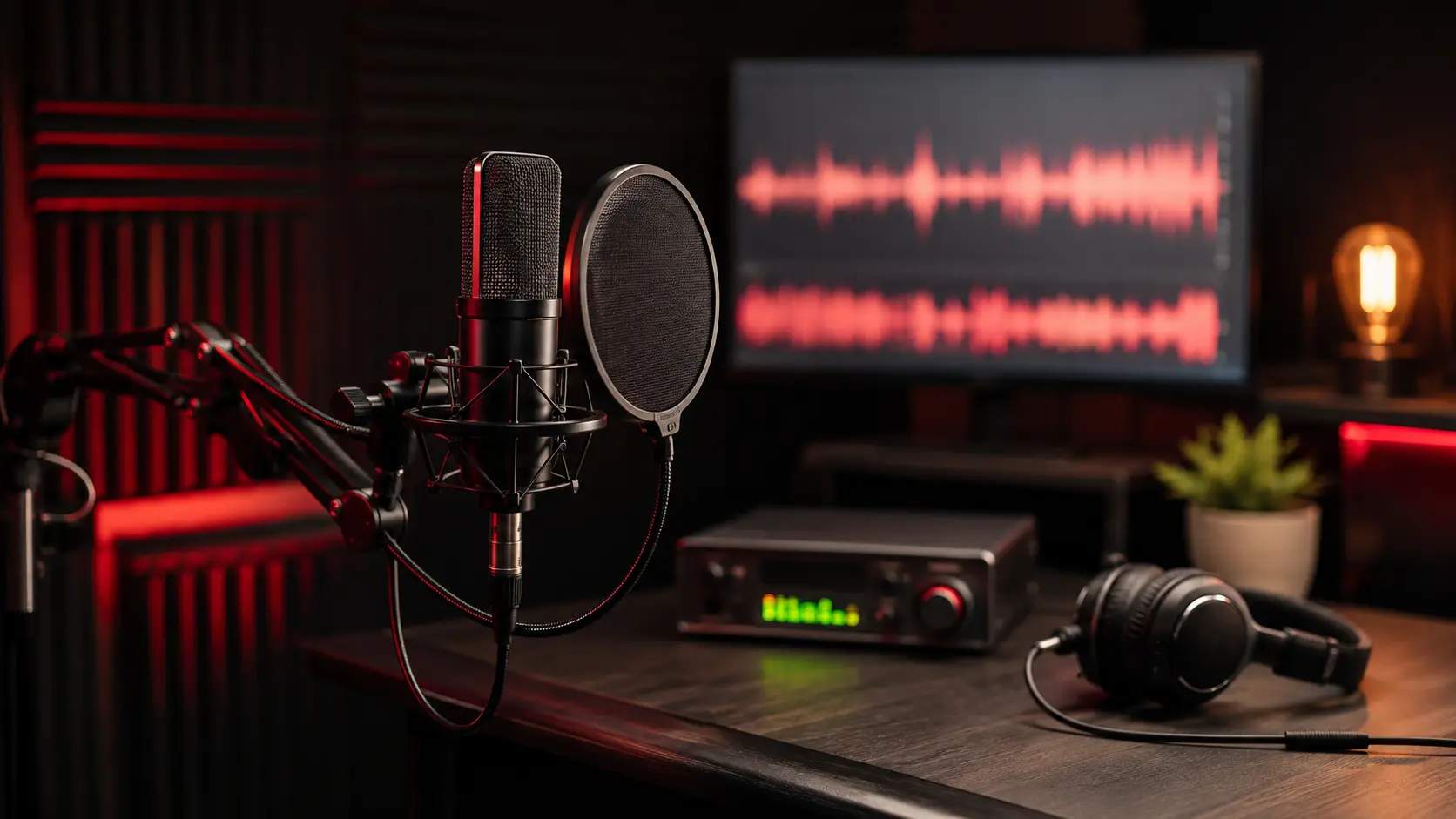
You recorded your vocals.
You played them back.
And somehow you sound like you’re singing through a drive-thru speaker.
Before you buy another plugin, stop.
Bad vocals usually aren’t caused by a lack of plugins. Most problems start before the vocal ever reaches the mix.
If your vocals sound thin, harsh, muddy, distant or just plain bad, check these seven things first.
1. Your Microphone Might Be Wrong for Your Voice
A good microphone can still sound bad on you.
Different microphones make different parts of your voice louder or softer.
That’s why one singer can sound amazing through a microphone while another singer sounds harsh, thin or overly bright through the exact same one.
Before touching an EQ, record yourself with no effects and listen.
Do you actually like the basic sound of your voice?
If not, your microphone may be part of the problem.
This is especially worth checking if you’re using one of the microphones commonly recommended to beginners.
For example, the Audio-Technica AT2020 is extremely popular, but it isn’t automatically the best choice for every vocalist.
Related: AT2020 Vocals Sound Harsh? Stop Trying to EQ It to Death
2. You’re Too Close—or Too Far Away
Where you stand changes your recording.
Get extremely close and your voice can become overly boomy or bass-heavy.
Move too far away and suddenly you’re recording less of you and more of your bedroom.
Neither is ideal.
As a starting point, try recording roughly 6–12 inches from the microphone with a pop filter between you and the mic.
Then experiment.
Move closer.
Move farther away.
Listen to what changes.
There isn’t one magical distance that works for everybody.
Your ears are allowed to participate in this process.
3. Your Room Sounds Bad
Your microphone doesn’t only hear your voice.
It hears your walls. (PAUSE)
Your ceiling.
Your floor.
That giant window.
The empty corner apparently designed specifically to create echoes.
And yes, probably that mattress you’ve considered standing against the wall because somebody on TikTok told you to. (They may be right.)
When your voice bounces around a room and returns to the microphone, the recording can sound hollow, distant or weirdly metallic.
You don’t necessarily need an expensive vocal booth.
Soft things help.
Curtains. Rugs. Furniture. Moving blankets. A closet full of clothes.
The goal is simple:
Record more of your voice and less of your room.
4. You’re Recording Too Loud
This one destroys recordings fast.
If your input level is too high, the recording can clip.
Clipping basically means your recording equipment received more signal than it could handle.
The result?
Ugly distortion.
And once you’ve recorded that distortion, turning the track down afterward doesn’t magically remove it.
Think of it like taking a blurry picture and then making the picture smaller.
It’s still blurry.
Record at a healthy level and leave yourself some room.
You do not need your recording meter fighting for its life.
5. You’re Trying to Fix the Performance With Mixing
I say this with love:
Sometimes the microphone is fine.
Sometimes the room is fine.
Sometimes the EQ is fine.
Sometimes you need another take. 😬
Plugins can change tone.
They can control volume.
They can add effects.
They cannot make a weak performance emotionally convincing.
If the timing is off, the energy isn’t there or you missed the note, record it again.
The easiest vocal problem to fix is the one you don’t send to the mixing engineer.
6. You’re Using Too Many Plugins
This happens constantly.
Your vocal doesn’t sound right, so you add an EQ.
Then compression.
Then another EQ.
Then a de-esser.
Then saturation.
Then an exciter.
Then another compressor because apparently we’re collecting them now.
Eventually you have eleven plugins and no idea which one made the vocal worse.
Start simple.
Turn everything off.
Then add processing because you hear a problem, not because somebody’s YouTube vocal chain had twelve plugins in it.
Ask yourself:
What am I trying to fix?
If you don’t know the answer, don’t touch the plugin yet.
7. You’re Comparing an Unfinished Vocal to a Finished Record
This one messes with beginners constantly.
You record yourself.
Then you play a major-label record.
Their vocal sounds huge, polished and expensive.
Yours doesn’t.
Panic.
But you’re comparing your raw recording to something that may have gone through editing, tuning, EQ, compression, saturation, effects, automation, professional mixing and mastering.
That’s like comparing raw chicken to dinner and becoming concerned that yours doesn’t have enough seasoning.
Relax.
Your raw vocal isn’t supposed to sound mastered.
It needs to sound good enough that the mix has something good to work with.
That’s the goal.
The 60-Second Vocal Test
Before you buy another plugin, try this:
Record a short section of your song with no effects.
Listen back.
Then ask:
- Does my voice sound clear?
- Is there distortion?
- Do I hear too much room?
- Does the microphone make my voice unusually harsh or thin?
- Was the performance actually good?
If something sounds wrong now, fix it now.
Move the microphone.
Change your distance.
Turn the gain down.
Try another part of the room.
Do another take.
If the raw recording sounds solid?
Great.
Now mix it.
The Bottom Line
Better plugins won’t rescue every bad recording.
Before spending more money, check:
- The microphone.
- The distance.
- The room.
- The recording level.
- The performance.
- The plugin chain.
- Your expectations.
Get those things right and mixing becomes dramatically easier.
Because good engineering isn’t about becoming incredibly good at fixing problems.
It’s about creating fewer problems to fix.
And sometimes the best new plugin for your vocal chain is:
Delete.
Recording references
- Shure guidance on microphone distance and room reflections
- Focusrite guide to recording vocals and setting up your room
- Focusrite explanation of gain staging and digital clipping
---
Want the diagnostic version?
The Vocal Recording Troubleshooter starts with what you actually hear - thin, harsh, sibilant, muddy, boxy, roomy, distorted or buried - and walks you toward the likely cause.
**Download the Vocal Recording Troubleshooter - $15 →**
Or get all five vocal guides in the **Bedroom Vocal Survival Kit - $29 →**